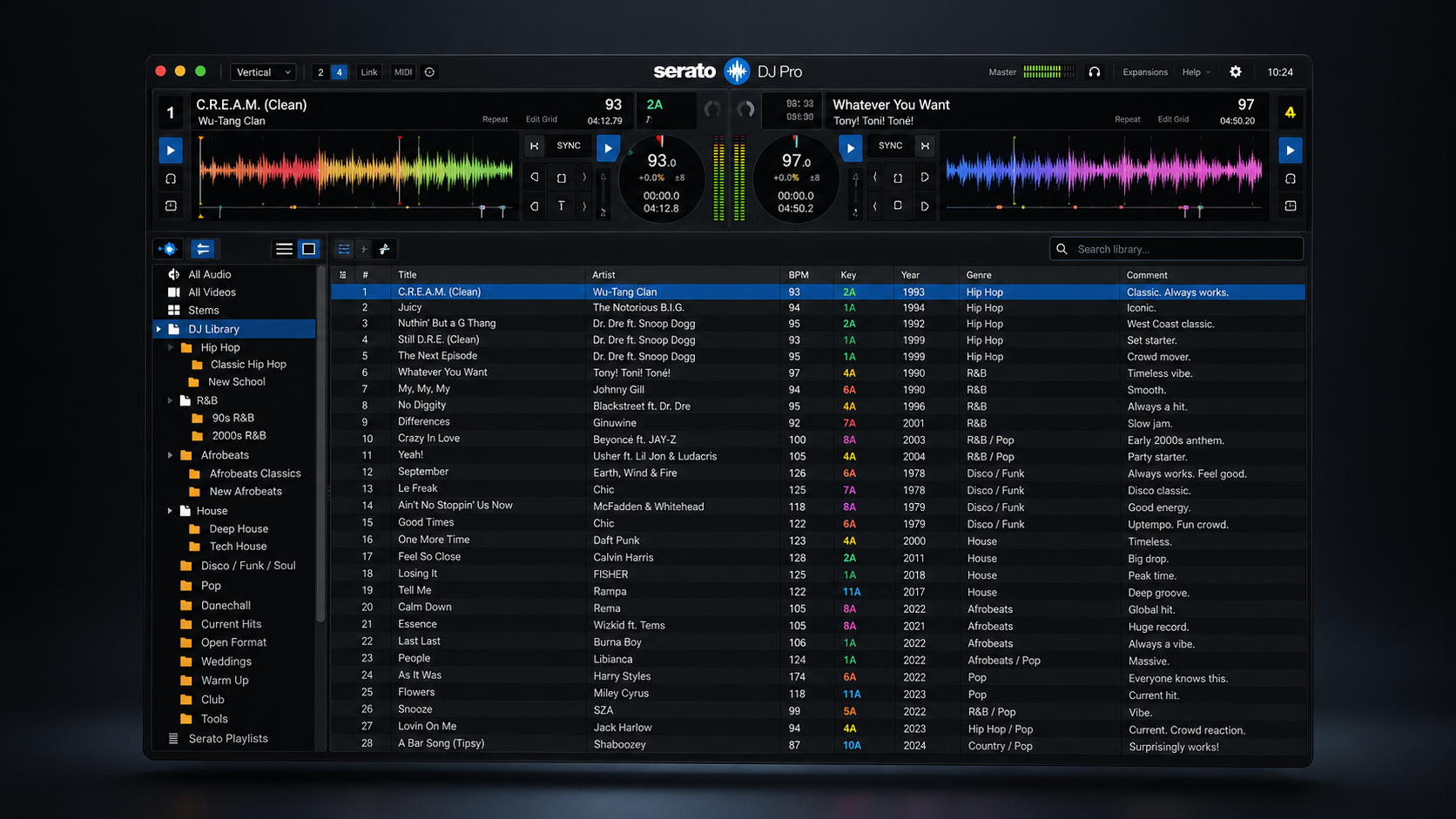
If you’ve been DJing for a few years, your library probably has thousands of tracks. And you probably play a few hundred of them.
A huge library feels like an asset. In practice it slows you down. More scrolling, more second-guessing, more time hunting for something that fits while the floor waits.
Here’s how to cut it down without regretting it.
Start with a backup, not a delete key
Before you remove anything, copy your whole library to an external drive. Now nothing is permanent, and you can delete without anxiety.
Sort by what you actually play
Most DJ software tracks play counts and last-played dates. Sort by that. The tracks at the bottom, never played, or not touched in two years, are your first candidates.
Ask three questions
Go through the candidates and ask:
1. Would I play this in a real set this year? Not “is it good,” but “would it fit a room I actually play.”
2. Is there a better version? Duplicates, low-bitrate files, and old edits of tracks you’ve since replaced can all go.
3. Could I find it again in 30 seconds if a request came in? If yes, you don’t need to store it locally.
What to delete right away
- Low-quality files and broken downloads
- Duplicates and near-duplicates
- Tracks from genres you no longer play
- Songs you downloaded once for a single event
What to keep even if it’s not played much
- Reliable emergency tracks that work in any room
- Requests that come up a few times a year
- Anything with hard-to-find versions or edits
Put “maybe” tracks in their own folder
For anything you’re not sure about, make an “Archive” folder outside your active library. If you haven’t touched it in six months, you have your answer.
Keep it from bloating again
The real fix is a habit, not a one-time purge. Add tracks with intent, tag them when they come in, and do a quick trim every few weeks. It’s the same idea behind our Friday DJ prep routine.
A smaller library isn’t a lesser one. It’s one you actually know.